
Get Started with Digital Banking
Enroll, log in, and access your accounts anytime with NGFCU Online & Mobile Banking.
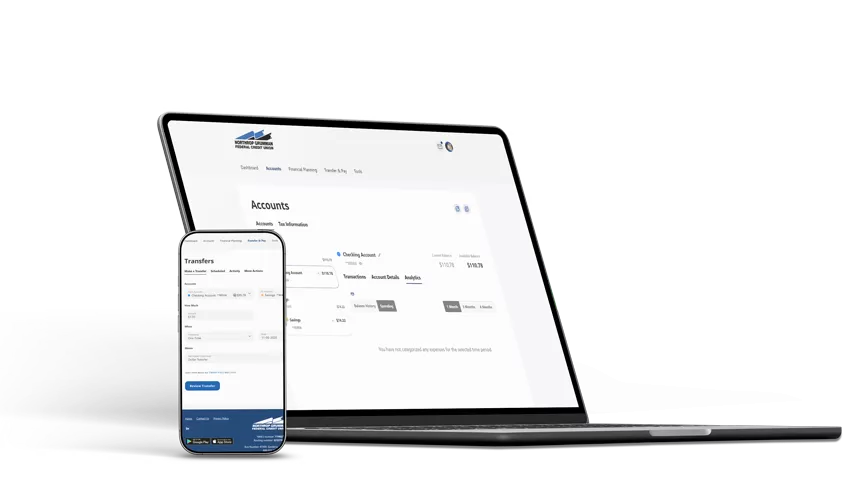
New to Online Banking?
- Click “Online Banking Login” at the top right of any NGFCU webpage.
- Select “Enroll in Online Banking” from the login screen and follow the prompts to verify your identity, create your username and password, and get started.
Forgot Your Username or Password?
- Select “Forgot Username or Password” on the login screen to securely recover your credentials.
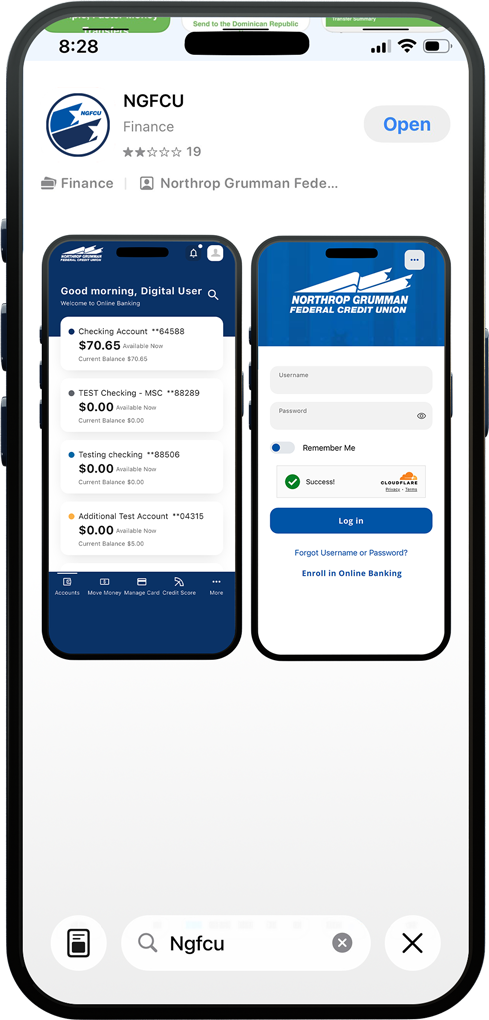
NGFCU Mobile App
Bank anytime, anywhere with the NGFCU Mobile App.
Download the app from the App Store® or Google Play® and log in using your Online Banking credentials. New users can also enroll directly through the app.


For faster access to your accounts, enable Touch ID® or Face ID® on supported devices.
Watch Our Demos